Computer memory is one of the most important components of a computer system. It is used to store data, instructions, and information so that the computer can process and retrieve them when needed. Without memory, a computer cannot function properly because it would not be able to remember instructions or store results.
Computer memory is divided into different types based on speed, size, and usage. The two main types of computer memory are Primary Memory and Secondary Memory. Each type plays a different role in the computer system.
What is Computer Memory?
Computer memory is the storage area where data and instructions are stored temporarily or permanently. The CPU uses memory to perform operations and process information.
Memory stores:
- Data
- Instructions
- Programs
- Results
Computer memory is measured in:
- Bit
- Byte
- Kilobyte (KB)
- Megabyte (MB)
- Gigabyte (GB)
- Terabyte (TB)
Types of Computer Memory
Computer memory is mainly divided into two types:
- Primary Memory
- Secondary Memory
1. Primary Memory
Primary memory is also called Main Memory. It is directly connected to the CPU and is used to store data temporarily while the computer is running. Primary memory is fast but has limited storage capacity. Data stored in primary memory is lost when the computer is turned off (except ROM).
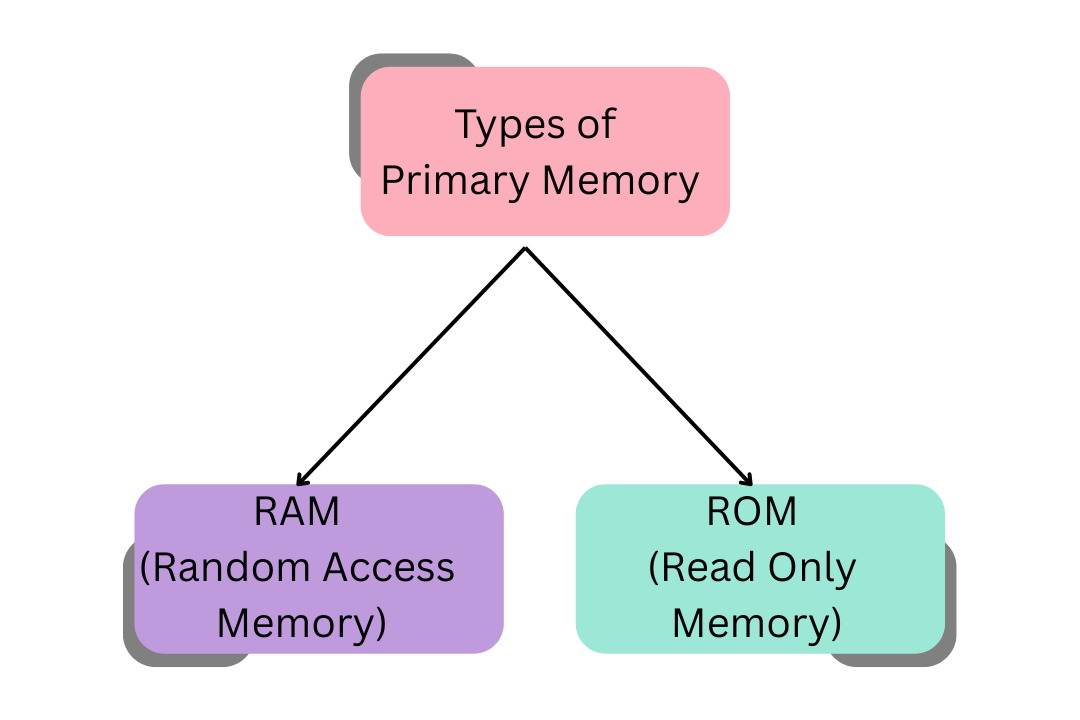
Types of Primary Memory
RAM (Random Access Memory)
RAM is temporary memory used to store data and programs currently in use. It is volatile memory, which means data is lost when power is turned off.
Features of RAM:
- Temporary storage
- High speed
- Volatile memory
- Directly accessed by CPU
Examples:
- Running applications
- Open files
- Active programs
Types of RAM:
- DRAM (Dynamic RAM)
- SRAM (Static RAM)
ROM (Read Only Memory)
ROM is permanent memory used to store important instructions required to start the computer. It is non-volatile, which means data is not lost when power is off.
Features of ROM:
- Permanent storage
- Non-volatile memory
- Used for booting
- Cannot be easily modified
Types of ROM:
- PROM
- EPROM
- EEPROM
2. Secondary Memory
Secondary memory is also called Auxiliary Memory. It is used to store data permanently. Secondary memory has large storage capacity but slower speed compared to primary memory.
Secondary memory stores:
- Files
- Documents
- Videos
- Images
- Software
Types of Secondary Memory
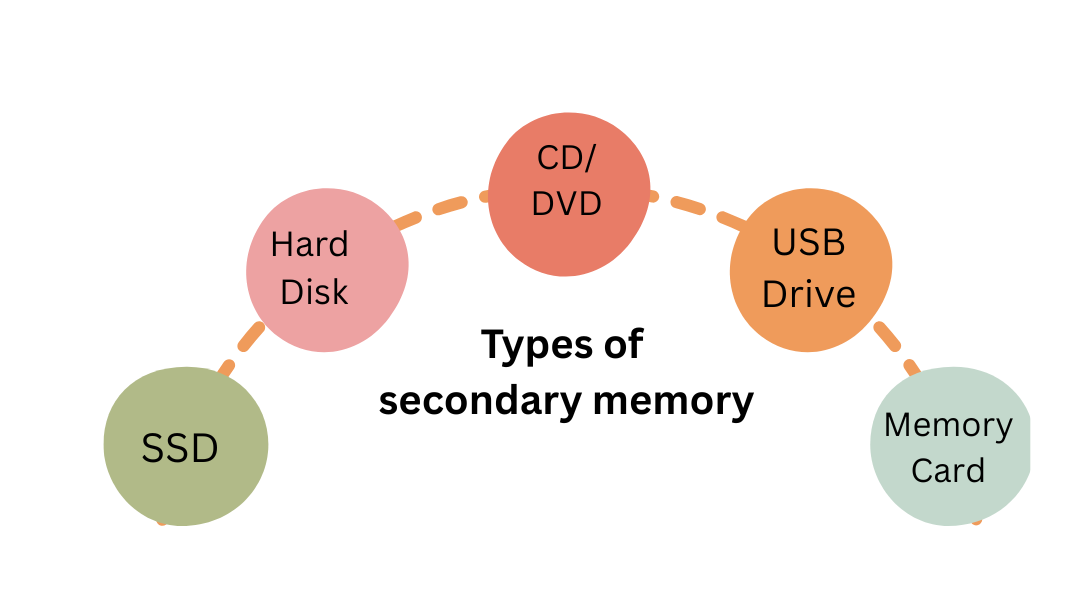
Hard Disk
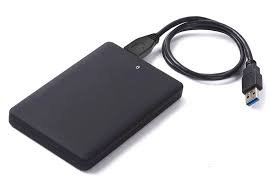
Hard disk is the most common storage device used in computers. It stores large amounts of data permanently.
Features:
- Large storage capacity
- Permanent storage
- Magnetic storage
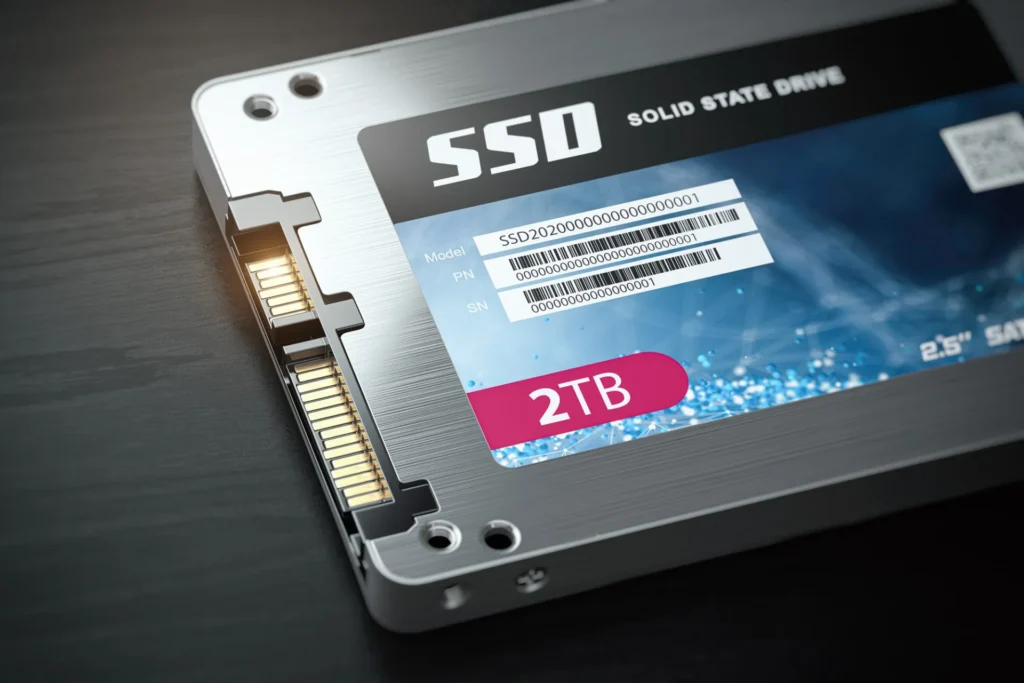
Solid State Drive (SSD)
SSD is faster than hard disk. It uses flash memory and has no moving parts.
Features:
- Faster speed
- Durable
- Lightweight
- Expensive
CD/DVD
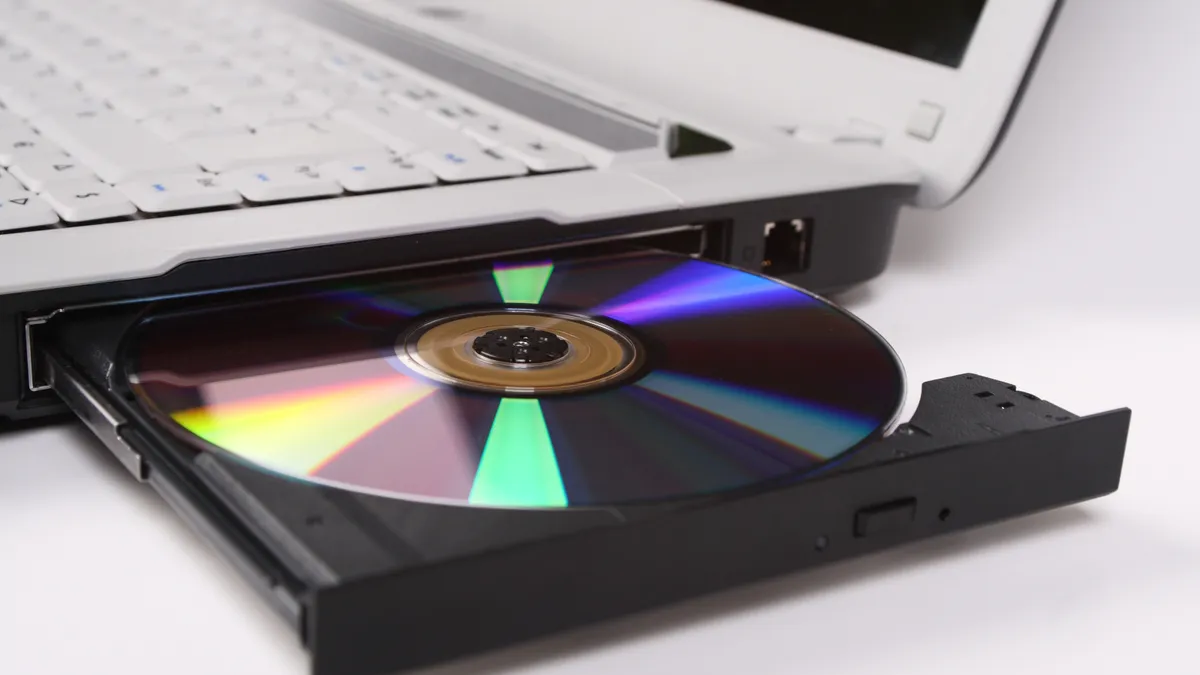
CD and DVD are optical storage devices used to store data.
Examples:
- Software CDs
- Movie DVDs
Memory Card
Memory cards are used in smartphones, cameras, and tablets.
Examples:
- SD card
- MicroSD card
USB Flash Drive
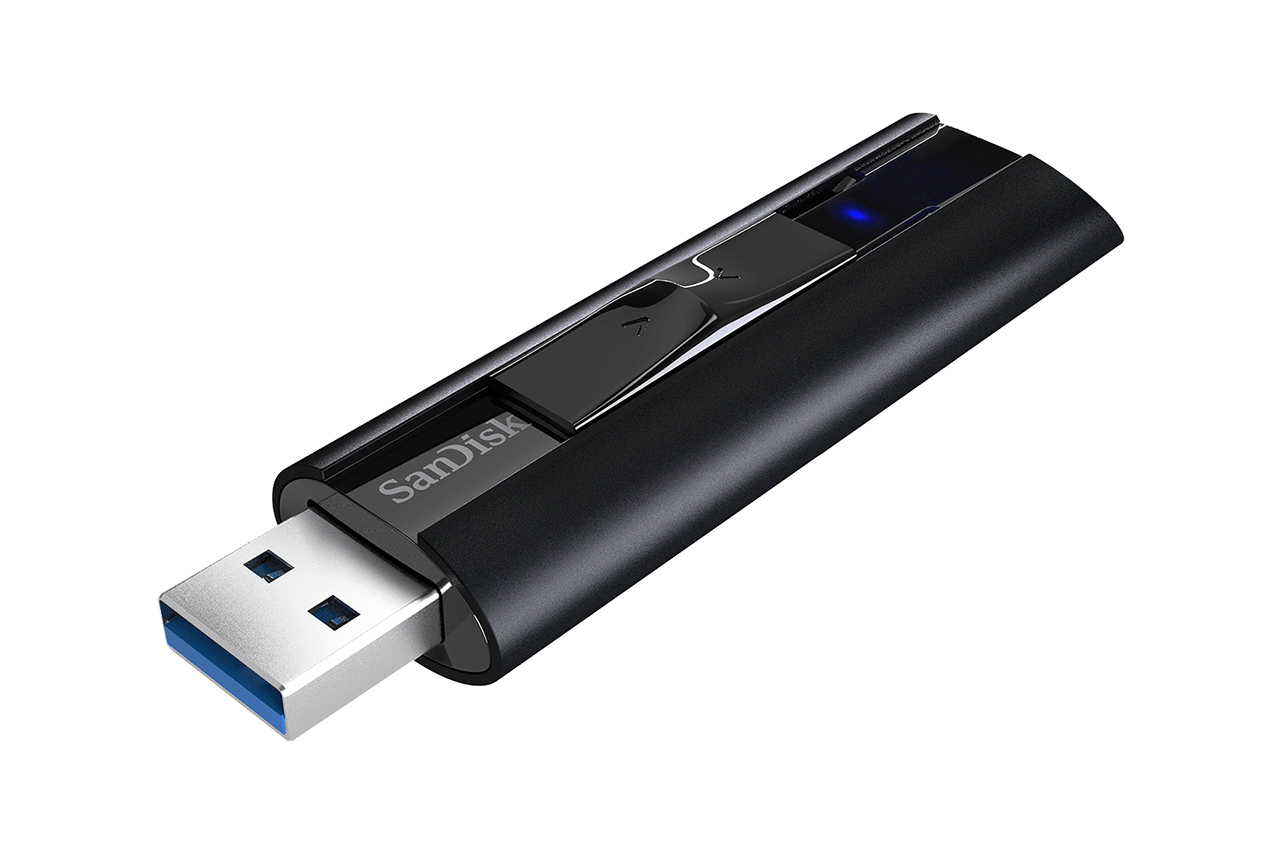
USB drives are portable storage devices used to transfer files.
Features:
- Small size
- Portable
- Easy to use
Difference Between Primary Memory and Secondary Memory
| Primary Memory | Secondary Memory |
|---|---|
| Temporary storage | Permanent storage |
| Fast speed | Slower speed |
| Small capacity | Large capacity |
| Directly accessed by CPU | Not directly accessed |
| Example: RAM | Example: Hard Disk |
Cache Memory
Cache memory is a small and very fast memory located between CPU and RAM. It stores frequently used data to improve speed.
Features:
- Very fast
- Small size
- Expensive
- Improves performance
Cache memory helps CPU access data quickly.
Memory Hierarchy
Computer memory is arranged in hierarchy based on speed:
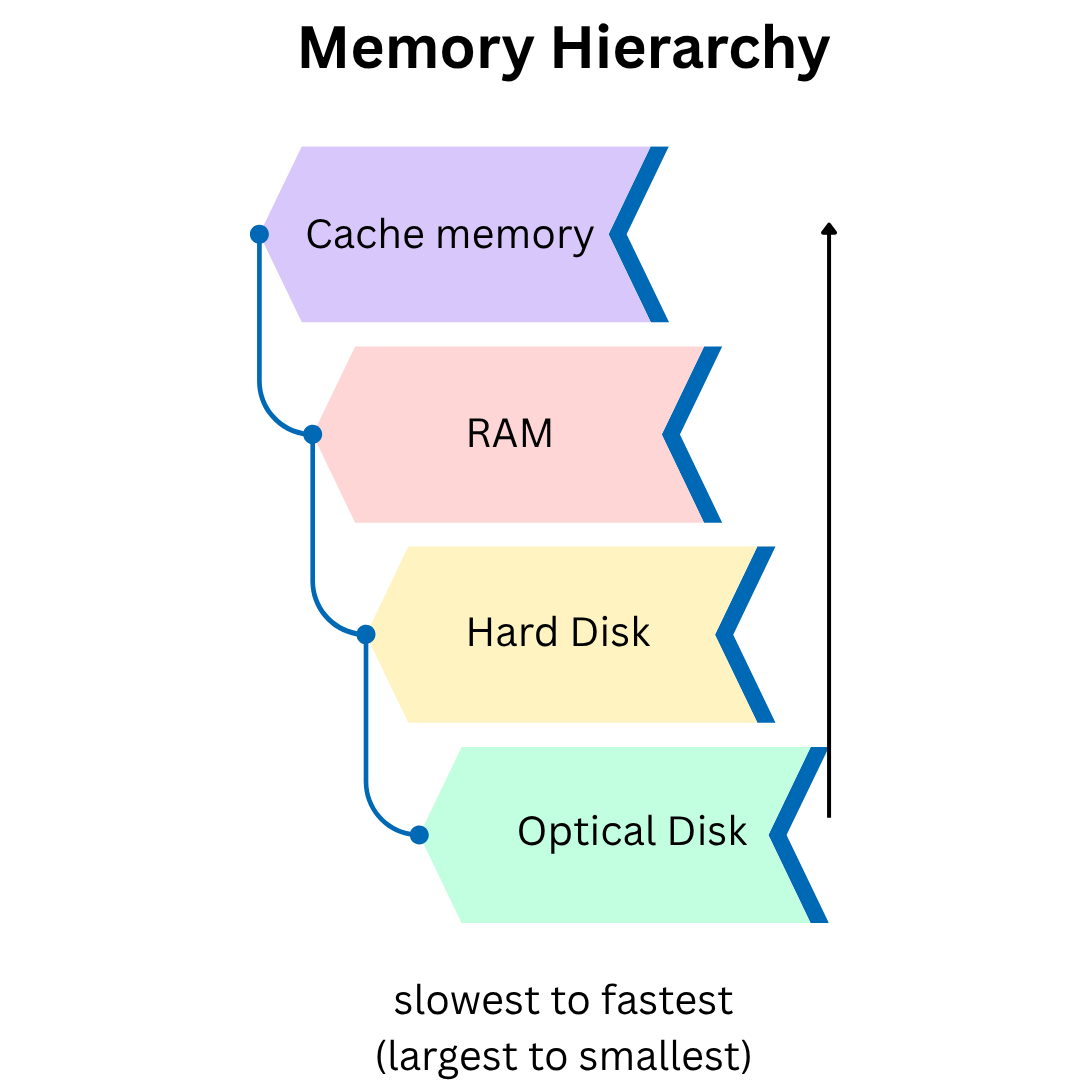
Top memory is fast but small, while bottom memory is large but slow.
Importance of Computer Memory
Computer memory is important because:
- Stores data and instructions
- Helps CPU processing
- Improves system performance
- Stores programs
- Saves files permanently
Without memory, computer cannot perform tasks.
Conclusion
Computer memory is essential for storing data and instructions. It is mainly divided into primary memory and secondary memory. Primary memory includes RAM and ROM, while secondary memory includes hard disk, SSD, and USB drives. Cache memory improves speed and performance. All types of memory work together to make the computer efficient and fast.
reference: wikipedia