A computer network is a group of two or more computers or devices connected together to share data, resources, and information. Computer networks allow users to communicate, share files, access the internet, and use shared devices like printers and scanners. Networks play an important role in homes, schools, offices, banks, and large organizations.
Without computer networks, communication and data sharing would be slow and difficult. Computer networks make it easy to send information quickly and efficiently from one device to another.
- What is a Computer Network?
- Components of Computer Network
- Types of Computer Networks
- 2. MAN (Metropolitan Area Network)
- 3. WAN (Wide Area Network)
- Types of Network Topology
- Network Devices
- Advantages of Computer Network
- Disadvantages of Computer Network
- Wired vs Wireless Network
- Uses of Computer Networks
- Conclusion
What is a Computer Network?
A computer network connects multiple devices using wired or wireless communication. These devices may include:
- Computers
- Laptops
- Smartphones
- Printers
- Servers
- Tablets
These devices are connected using cables, Wi-Fi, or other communication technologies.
For example, when multiple computers in an office are connected and share one printer and internet connection, this is called a computer network.
Components of Computer Network
A computer network consists of several components that work together:
1. Nodes
Nodes are devices connected in a network such as computers, printers, and servers.
2. Network Interface Card (NIC)
NIC allows a computer to connect to a network. It can be wired or wireless.
3. Transmission Media
Transmission media is the path used to connect devices.
Types:
- Wired (Ethernet cable)
- Wireless (Wi-Fi, Bluetooth)
4. Router
A router connects different networks and provides internet access.
5. Switch
A switch connects multiple devices within a network.
6. Modem
A modem connects a computer network to the internet.
Types of Computer Networks
Computer networks are classified based on size and coverage area.
1. LAN (Local Area Network)
LAN connects computers within a small area such as:
- Home
- Office
- School
- Computer lab
Features of LAN
- Small area coverage
- High speed
- Low cost
- Easy to maintain
Example: Home Wi-Fi network
2. MAN (Metropolitan Area Network)
MAN covers a larger area than LAN, such as a city or town.
Features of MAN
- Covers city area
- Medium speed
- Connects multiple LANs
Example:
- City-wide internet network
- Cable TV network
3. WAN (Wide Area Network)
WAN covers a very large geographical area such as countries or continents.
Features of WAN
- Very large coverage
- Slower than LAN
- Expensive
- Uses multiple networks
Example:
- Internet
- Bank networks
Types of Network Topology
Network topology refers to how devices are arranged in a network.
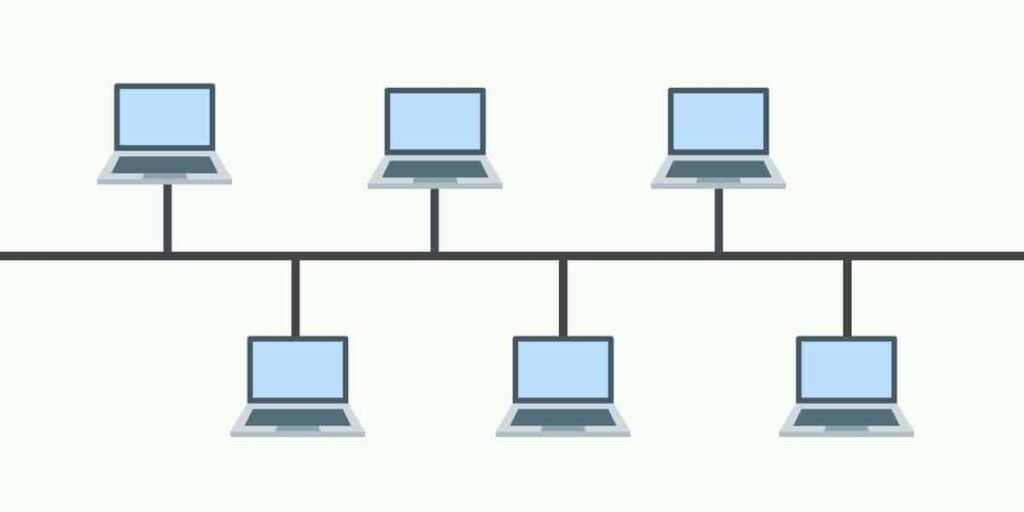
1. Bus Topology
All devices are connected to a single cable.
Advantages:
- Low cost
- Simple
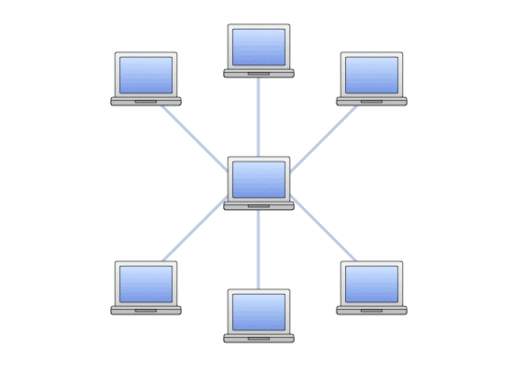
2. Star Topology
All devices are connected to a central hub or switch.
Advantages:
- Easy to manage
- Reliable
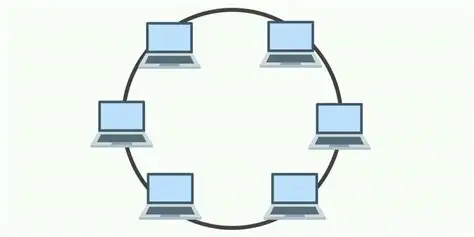
3.Ring Topology
Devices are connected in circular form.
Data moves in one direction.
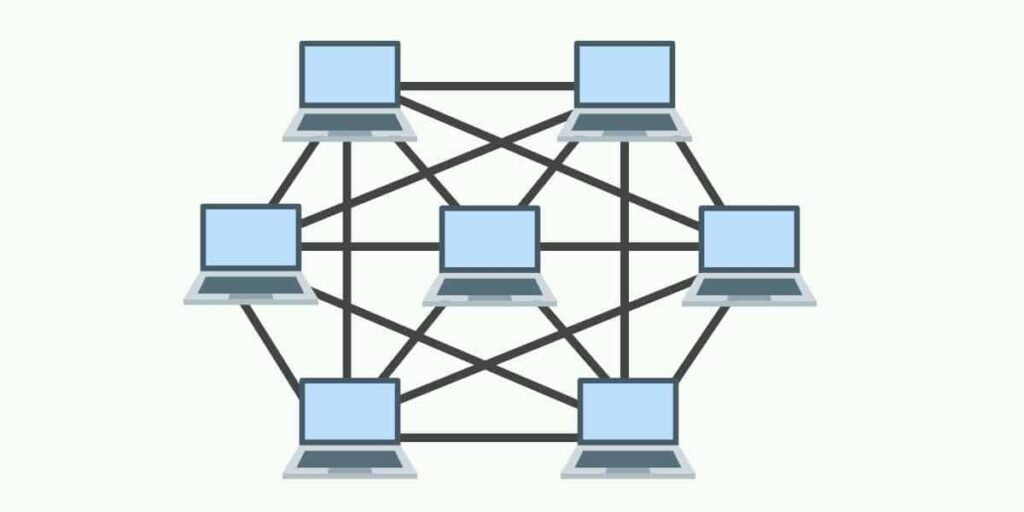
4. Mesh Topology
Each device is connected to multiple devices.
Advantages:
- Expensive
- Highly reliable
Network Devices
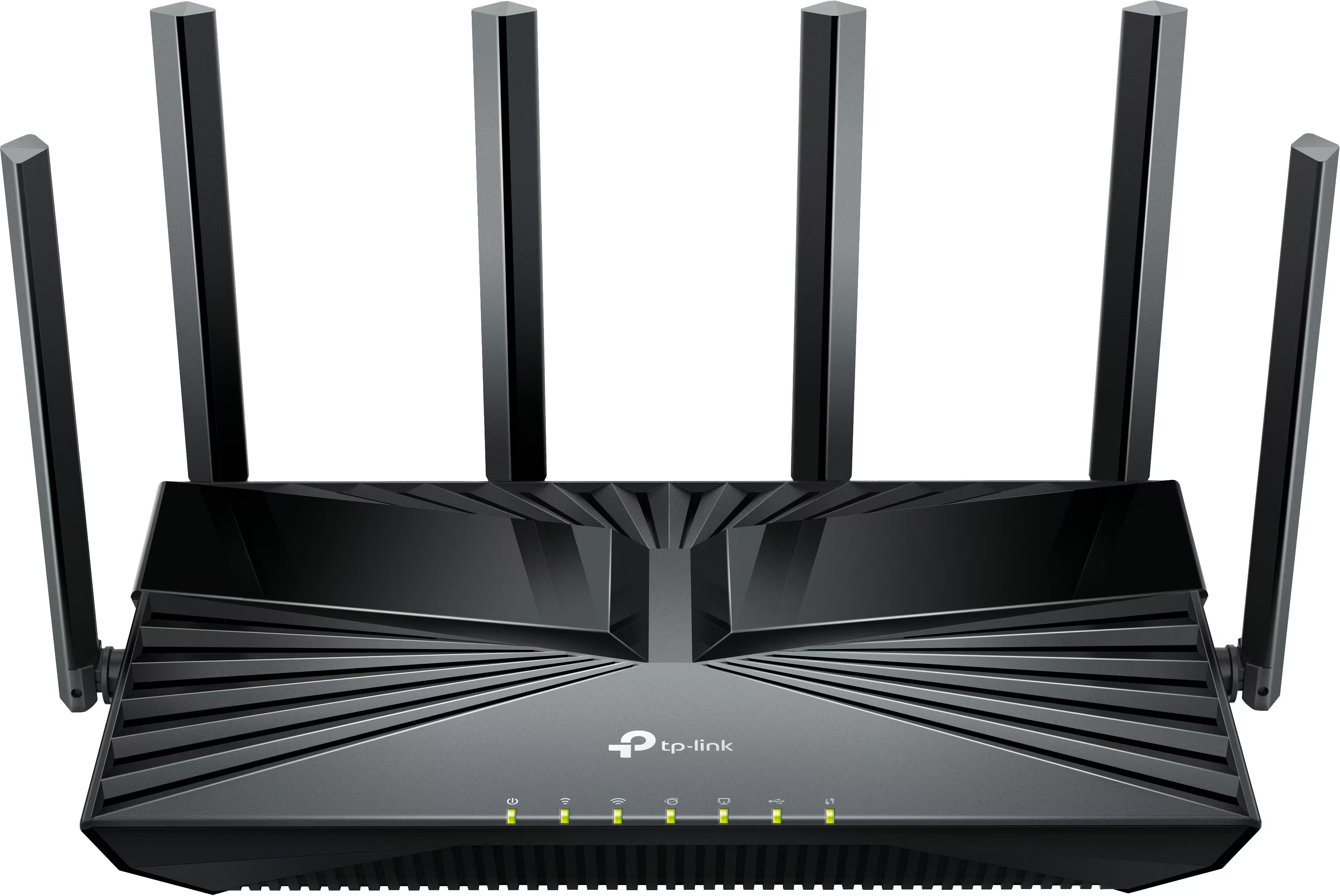
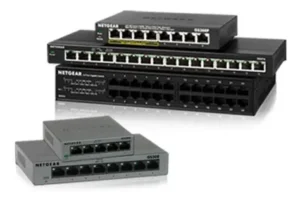
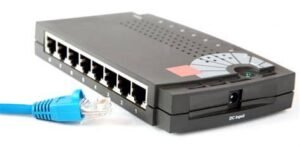
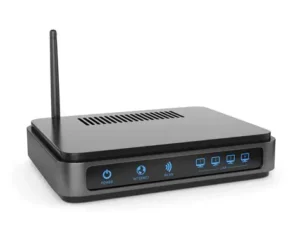
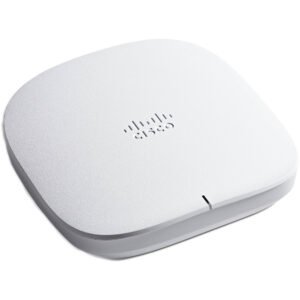
Some important network devices include:
Router
Connects networks and provides internet access.
Switch
Connects devices in LAN.
Hub
Connects multiple computers.
Access Point
Provides wireless connection.
Modem
Connects network to internet.
Advantages of Computer Network
Computer networks offer many benefits:
Resource Sharing
Devices like printers and storage can be shared.
File Sharing
Files can be transferred easily between computers.
Communication
Users can send emails, messages, and video calls.
Internet Sharing
Multiple users can use one internet connection.
Cost Saving
Sharing hardware reduces cost.
Centralized Data
Data can be stored in one place.
Disadvantages of Computer Network
Despite advantages, networks also have some disadvantages:
- Security risks
- Virus spreading
- Network failure affects all users
- Setup cost
- Maintenance required
Wired vs Wireless Network
Wired Network
- Uses cables
- Fast speed
- Stable connection
Example: Ethernet network
Wireless Network
- Uses Wi-Fi
- Easy to connect
- Portable
Example: Wi-Fi network
Uses of Computer Networks
Computer networks are used in many areas:
- Internet browsing
- Email communication
- Online gaming
- Cloud computing
- Video conferencing
- Online banking
- File sharing
- Office networks
Example of Computer Network
In a school:
- 20 computers connected
- One printer shared
- One internet connection
This is a computer network.
Conclusion
Computer networks connect multiple devices to share data and resources. They improve communication, reduce cost, and increase efficiency. The main types of computer networks include LAN, MAN, and WAN. Network devices such as routers, switches, and modems help create and manage networks. Computer networks are essential for modern communication and are widely used in homes, schools, offices, and businesses.
referene: Wikipedia